Pitfalls of React
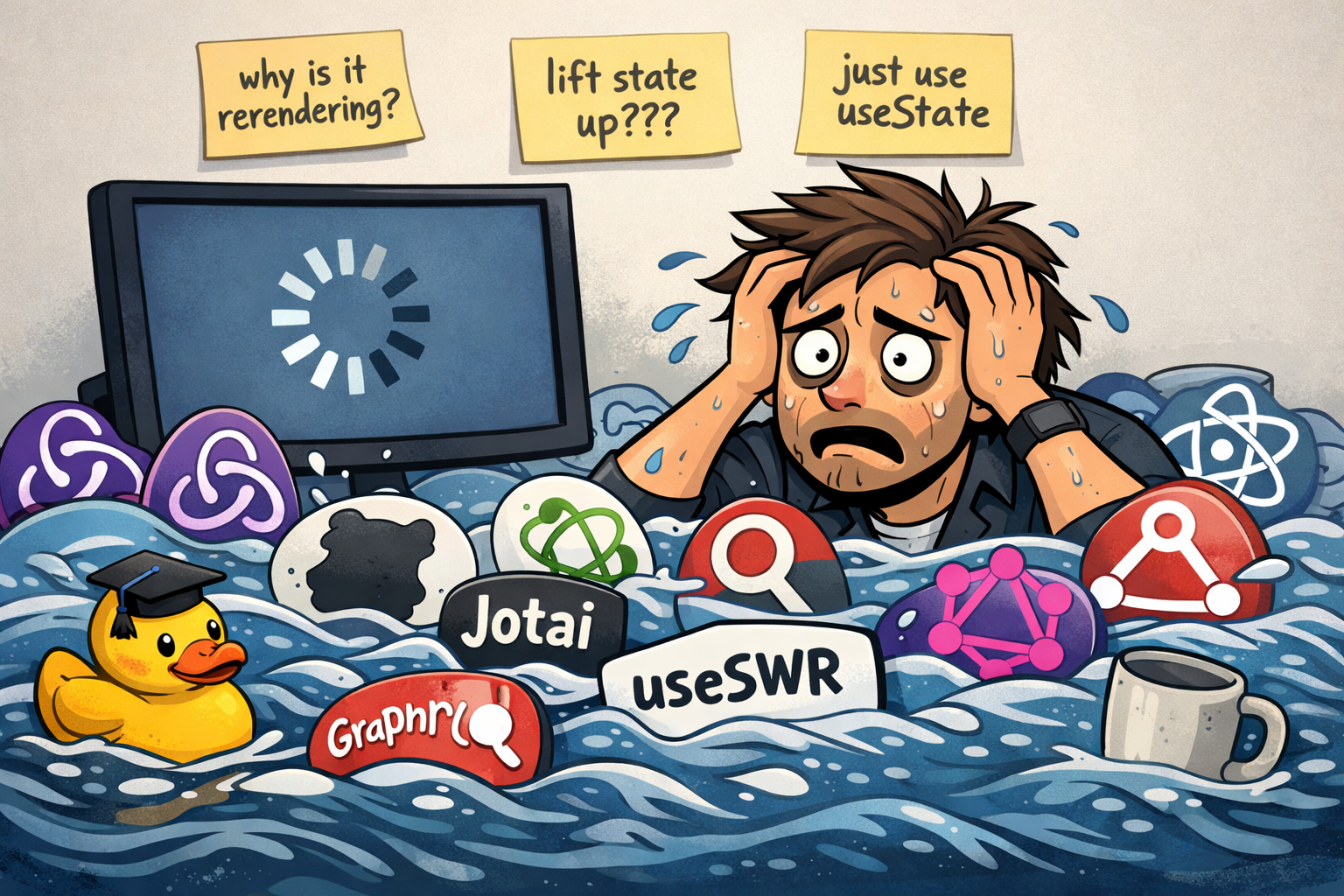
Over my career, I have worked in several React codebases ranging from mature codebases of over a million lines of code to very small codebases that were less than 50k lines. In all of these codebases, I have seen the same mistakes repeated over and over and over again. Different companies. Different people. Same mistakes.
Why is this? Why do React codebases often go off the rails in the same ways?
The Pathway of Complexity
React makes it very easy for a beginner to get started. React’s JSX syntax is nice syntactic sugar. The developer of the code doesn’t have to think much about the event listeners that are created to handle DOM events. The mental model is pretty simple: props + state = html. Software devs can go about their day with nice functional components. When you’re starting out, you don’t have to think much about React’s inner workings.
React basics seem pretty simple on the surface, but every application grows in complexity at some point. The first step down the path to complexity in most React apps is data fetching. You have to write some code to fetch some data, set some state when the network request succeeds, and handle any failures. That data gets passed around through some components and maybe a context or two. Individual values might be transformed on their way to a div or paragraph element. When you save or update data, you might have to refetch some data somewhere on the page to keep everything updated and in sync.
The React community has so many libraries that try to solve the “network request -> store state -> transform data” problem in different ways. Choosing libraries to solve this problem is a nightmare for a beginner with no prior React experience.
On the networking part of the problem, you’ve got a few different options. Facebook invented GraphQL to attempt to make data querying data easier. useSWR and React Query seem to be the most common community libraries for REST APIs; however, many teams opt to roll their own solution around fetch (usually doesn’t end well in my experience). Some frameworks built around React like Next have their own paradigm for making requests in a “backend” of sorts. All of these solutions have trade-offs, and many codebases need to use more than one approach.
Assuming you picked a good solution for making a network request, there are still more hurdles to jump over. I have worked in so many React codebases where the types defined for API interfaces did not match reality. Polling, optimistic updates, cache-busting, and testing add more layers of frustration to very common use cases. Writing all of this yourself is difficult and I don’t recommend it.
Then there’s the “store state” part of the problem. I have encountered some React applications that use a cocktail of state management libraries. I worked on a project that used vanilla hooks, zustand, and jotai for managing state. Nobody could understand how all of the parts interacted, and data had to be synced between all three of these stores at various points in the codebase. I ended up rewriting the app to just use vanilla useState and useReducer hooks, and we were better off for doing so.
After walking down complexity lane some more, you’ll encounter a problem of where to put your business logic. In a codebase without structure, business logic usually ends up getting shoved in a component somewhere. One React app I worked on would make network requests, shove the responses in Redux, and then read that data in one top-level component. The top-level component would perform business logic on the data and pass it down as props to other components. That app had all the complexity of Redux with none of the benefits. As features were developed, two particular API endpoints started to return “God-objects”. These endpoints returned megabytes of JSON due to nobody wanting to make separate API calls to fetch their data. Complexity on the frontend leaked into the backend. Tech debt grew over time due to networking and state management not being solved in a good way.
After networking and transforming data, the next issue in many React codebases is performance. Trying to figure out what is causing rerenders can be tricky. There are also common footguns like setting state inside of a useEffect. I have seen so many issues with double-renders and UI flickers because of this. I have seen memoization techniques like useCallback, useMemo, and React.memo start propagating through the codebase to band-aid UI flickers that should have been fixed in a better way. Adding memoization to bad code just adds complexity and overhead. Memoization isn’t free. Now, the developer has to care about the internals of React to fix the performance issues in their app.
One of my frustrations with the React docs is the “Lifting State Up” example. The React docs explain how lifting state is used to share data between components, but they don’t explain the performance implications of lifting state. When you lift state up, more components in your app will rerender. When you’re first starting out in React, it is tempting to put all of your data at the top level because then it already is at the top and you don’t have to worry about lifting it. This might work in a toy application, but top-level state destroys performance in complex applications.
At some point I start questioning if using React is a worthwhile endeavor, and I often avoid using it in my personal projects unless I have good reason to do so. The justification I have often heard for using React is “users don’t want a full-page refresh” or “JSON payloads are smaller and load faster”. Frankly, I’d rather write an app with full-page refreshes than spend hours debugging networking, state management, and tests. As a user, I’d rather see a page load for 500ms than wait over a second for React to load only to see loading spinners and flickering UI’s.
Practically speaking, I’ve seen these problems result from bad React code:
- Productivity slows exponentially as the codebase grows.
- Tests, if there are any, are probably not comprehensive and likely flaky.
- Developers are unhappy writing React code.
- Users are unhappy with a buggy experience.
When to useReact()
If you choose to use React, figure out how things like networking, state management, and business logic are going to work early on. Take the time to establish good patterns for networking and state management. If wading through the sea of React libraries doesn’t sound fun, there are alternatives to React. Blazor, HTMX, and Rails Hotwire are all reasonable starting points. Going old-school HTML and Javascript is also an option. Pick a technology that you can use productively and stick with it.
I know the devils of React and its libraries very well, and they have bedeviled my projects on more than one occasion. I choose to work with React in my day job because I know it so well, and that allows me to be highly productive. React is a view layer, and it’s on you to build everything else. I like the flexibility that React provides, but I am also aware that flexibility comes with some common pitfalls.
P.S. - LLMs have likely been trained on React apps that are bad examples of code. Consider this before you ship your next vibe-coded React app.